Recent Post
Night vision goggles are precision electro-optical devices, not ordinary outdoor gadgets. Whether you use a PVS-31 / PVS-31A dual-tube night vision goggle, a PVS-14 monocular, a BNVD-1531, or other Gen 2 / Gen 3 night vision devices, proper daily maintenance directly affects image clarity, reliability and service life.
The most important parts to protect are the image intensifier tube, objective lens, eyepiece lens, battery compartment and sealing components. With the right habits, you can reduce failure rates, avoid unnecessary tube damage and keep your night vision equipment performing well for a long time.
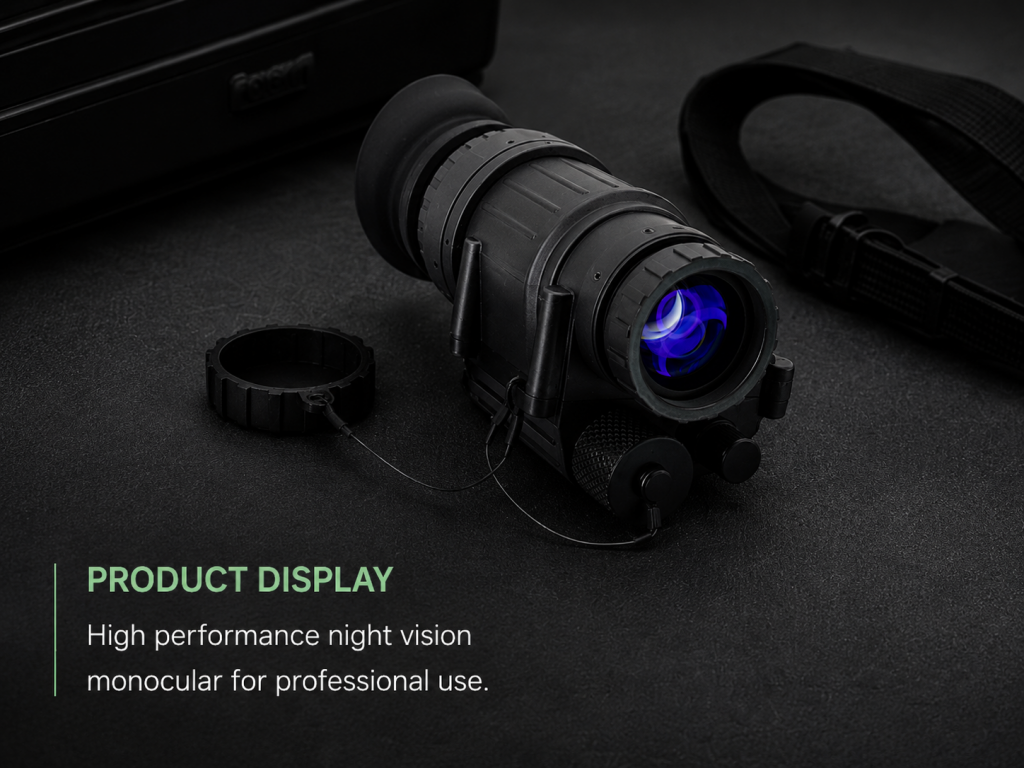
Strong light is one of the biggest risks for night vision goggles.
Avoid turning on your night vision device in direct sunlight, brightly lit rooms or under strong artificial light unless the objective lens cap is installed and the manual allows it. Even modern devices with auto-gating, bright-source protection or high-light cut-off should not be treated as immune to damage.
During night use, avoid staring directly at:
①car headlights
②searchlights
③flashlights
④lasers
⑤fire or bright reflections
⑥strong IR illuminators at close range
For high-end dual-tube goggles such as PVS-31-style NVGs, remember that protective functions help reduce risk, but they do not replace correct operating habits. Turn the unit off when it is not in use, and keep the objective lens caps on during transport or storage.
Do not leave your night vision goggles powered on unnecessarily. Extra runtime adds tube hours, drains batteries and increases the chance of accidental exposure to bright light.
A simple habit works best:
Use it.
Turn it off.
Install the lens caps.
Remove the battery before storage.
For helmet-mounted systems such as PVS-31, BNVD-1531 or DTNVS-style dual-tube goggles, also check whether the unit has an auto-off function when flipped up. Even if it does, manually switching the device off before packing is still the safer habit.
The lenses on night vision goggles have delicate optical coatings. Cleaning them like ordinary glass can leave scratches, smudges or coating damage.
Before wiping, remove dust first with a clean air blower or soft optical brush. Then use dry lens paper, optical microfiber cloth or manufacturer-approved lens wipes.
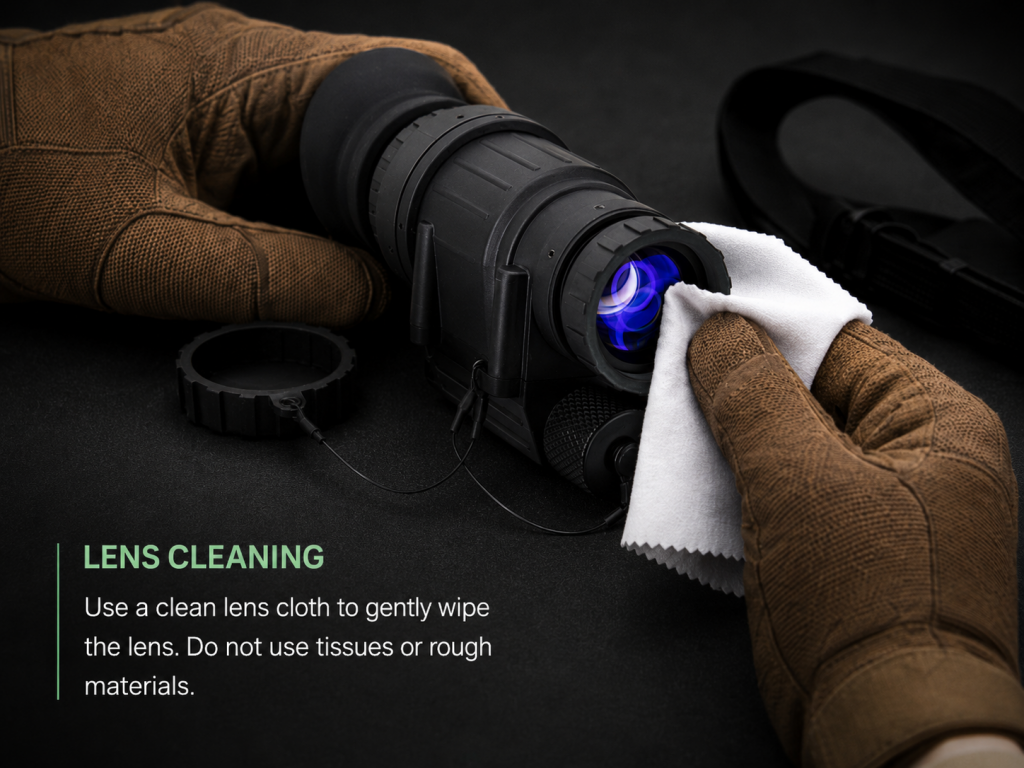
Recommended cleaning steps:
①Blow away loose dust and sand.
②Use a lens brush if particles remain.
③Wipe gently from the center outward.
④Use optical cleaning fluid only when necessary.
⑤Never spray liquid directly onto the lens. Apply it to the cloth first.
Avoid using tissue paper, clothing, rough towels, alcohol-heavy cleaners or household glass cleaner. If your device uses a demist shield or sacrificial window, clean it carefully according to the manual, because these parts may have different coating requirements.
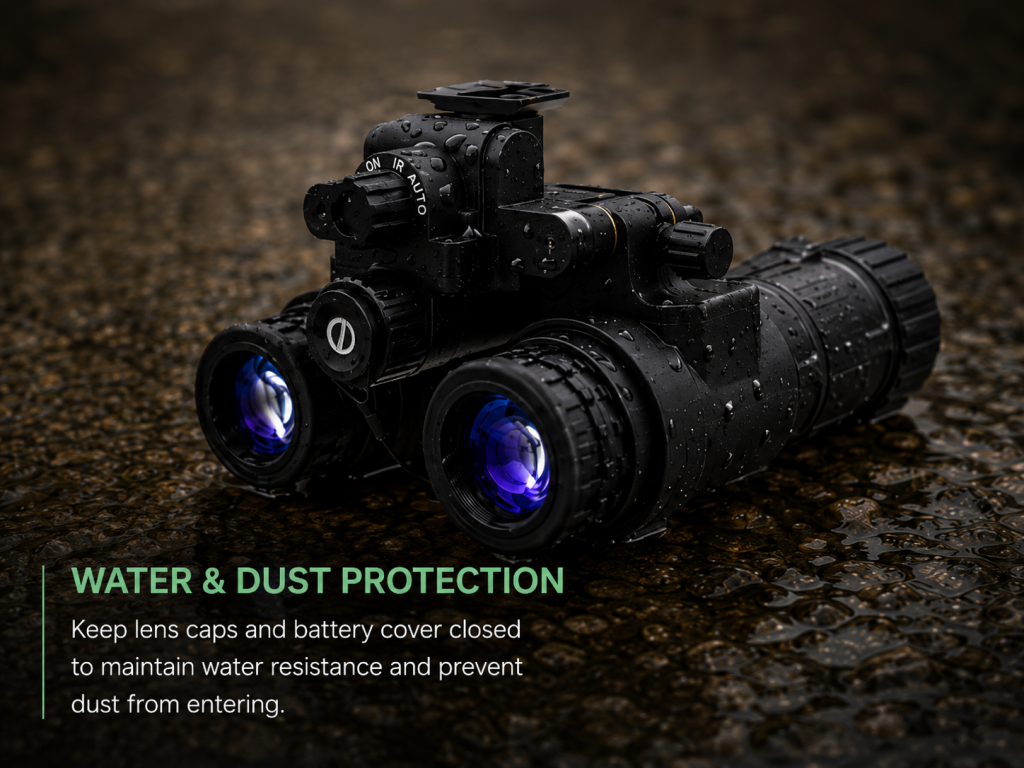
Many night vision devices are weather-resistant, but that does not mean every model is suitable for long-time rain exposure, water immersion or diving use. Waterproof performance depends on the exact model, housing, seals and manufacturer rating.
After use in rain, fog, snow or humid environments:
①dry the housing before placing it into the case
②keep the battery compartment dry
③wipe moisture from lens caps and accessories
④leave the storage case open briefly in a dry room if moisture is present
⑤use desiccant packs inside the case
Never store a wet night vision device in a closed case. Trapped moisture can cause mildew, corrosion, fogging and electrical contact problems.
If you notice fog inside the optical system, do not disassemble the device yourself. Place it in a dry environment with desiccant. If the fog remains, contact a professional service provider.
Battery leakage is one of the most common avoidable causes of damage.
For PVS-14 monoculars, PVS-31-style goggles and other battery-powered night vision devices, remove the battery if the unit will not be used for an extended period. This helps prevent leakage, corrosion and accidental activation.
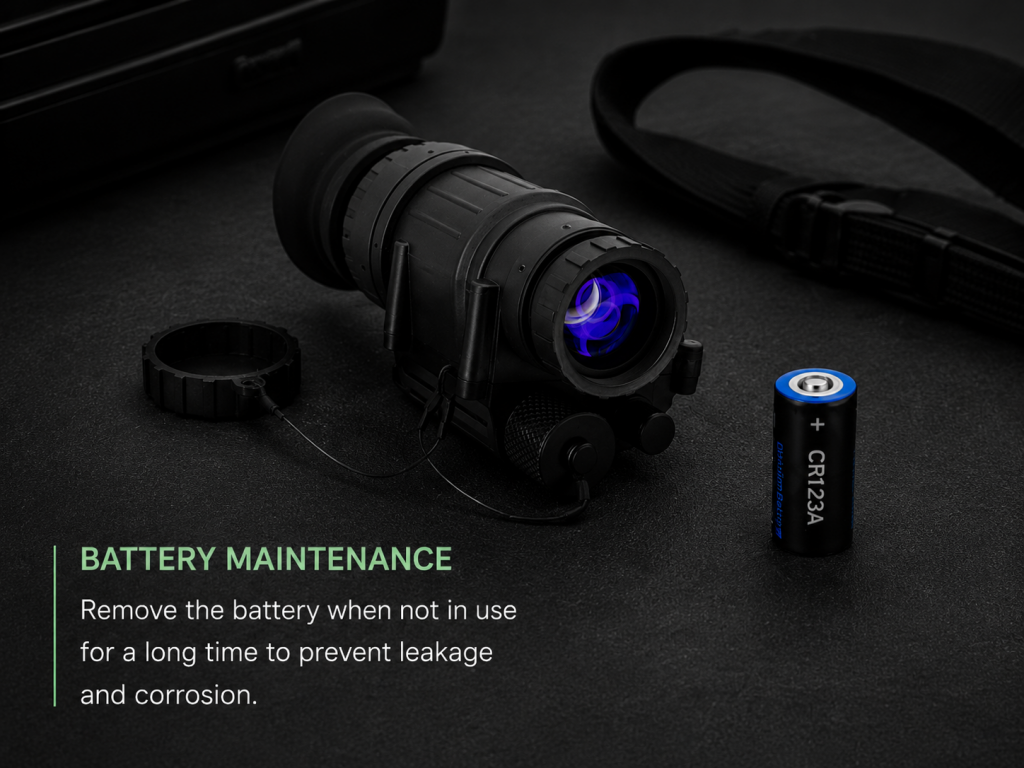
①use high-quality batteries from reliable brands
②do not mix old and new batteries
③do not mix different battery types
④check polarity before installation
⑤replace low batteries in time
⑥inspect the battery compartment regularly
⑦keep spare batteries in a separate protective case
If your device supports AA or CR123 batteries, follow the manufacturer’s recommendation. Some professional users prefer lithium batteries because they generally offer better leakage resistance and cold-weather performance.
If your night vision goggles are not used for a long time, inspect them every one or two months.
You can:
①check the case for moisture
②replace or dry desiccant packs
③inspect the battery compartment
④clean dust from the housing
⑤test the unit briefly in a dark environment
⑥confirm that accessories are complete
Do not test night vision goggles in daylight without proper protection. A short dark-room function check is enough.
Only if the manufacturer allows it and the objective lens cap or daylight training cap is properly installed. Normal daytime operation without protection may damage the image intensifier tube.
Clean the lenses only when necessary. Frequent wiping is not recommended because dust or sand particles can scratch optical coatings. Always blow away loose particles first.
Some professional models have strong water resistance or immersion ratings, but waterproof performance depends on the exact device and manufacturer specification. For general care, treat night vision goggles as weather-resistant precision optics, not diving equipment.
For short breaks, it is not always necessary. For storage, travel or long periods of non-use, removing the battery is strongly recommended to prevent leakage, corrosion and accidental activation.
The image intensifier tube is the core component of traditional analog night vision devices. Protecting it from strong light, moisture and impact is the key to extending service life.